Using Allure Reports in your Workflows
Allure Reports is a popular open-source tool for generating reports for individual test results, and can be easily added to any Test Workflow in Testkube to generate corresponding reports for your Tests Executions.
PyTest Example
The below Workflow first runs tests with Pytest and then invokes Allure to generate corresponding reports.
kind: TestWorkflow
apiVersion: testworkflows.testkube.io/v1
metadata:
  name: pytest-workflow-with-allure
  namespace: testkube
  labels:
    docs: examples
spec:
  content:
    git:
      uri: https://github.com/kubeshop/testkube
      revision: main
      paths:
        - test/pytest/pytest-project
  container:
    workingDir: /data/repo/test/pytest/pytest-project
    image: python:3.12.6-alpine3.20
    resources:
      requests:
        cpu: 256m
        memory: 256Mi
  steps:
    - name: Run test
      shell: |
        pip install -r requirements.txt
        mkdir /data/artifacts
        pytest tests/success --junit-xml=/data/artifacts/pytest-report.xml
    - name: generate-allure-report
      run:
        image: tobix/allure-cli:latest
        env:
          - name: ALLURE_NO_ANALYTICS
            value: "1"
        args:
          - generate
          - /data/artifacts
          - -o
          - /data/artifacts/allure-report
          - --clean
    - name: upload-artifacts
      condition: always
      artifacts:
        paths:
          - /data/artifacts/allure-report/**
tip
Add condition: failed to the generate-allure-report step if you only want to generate reports for failed tests.
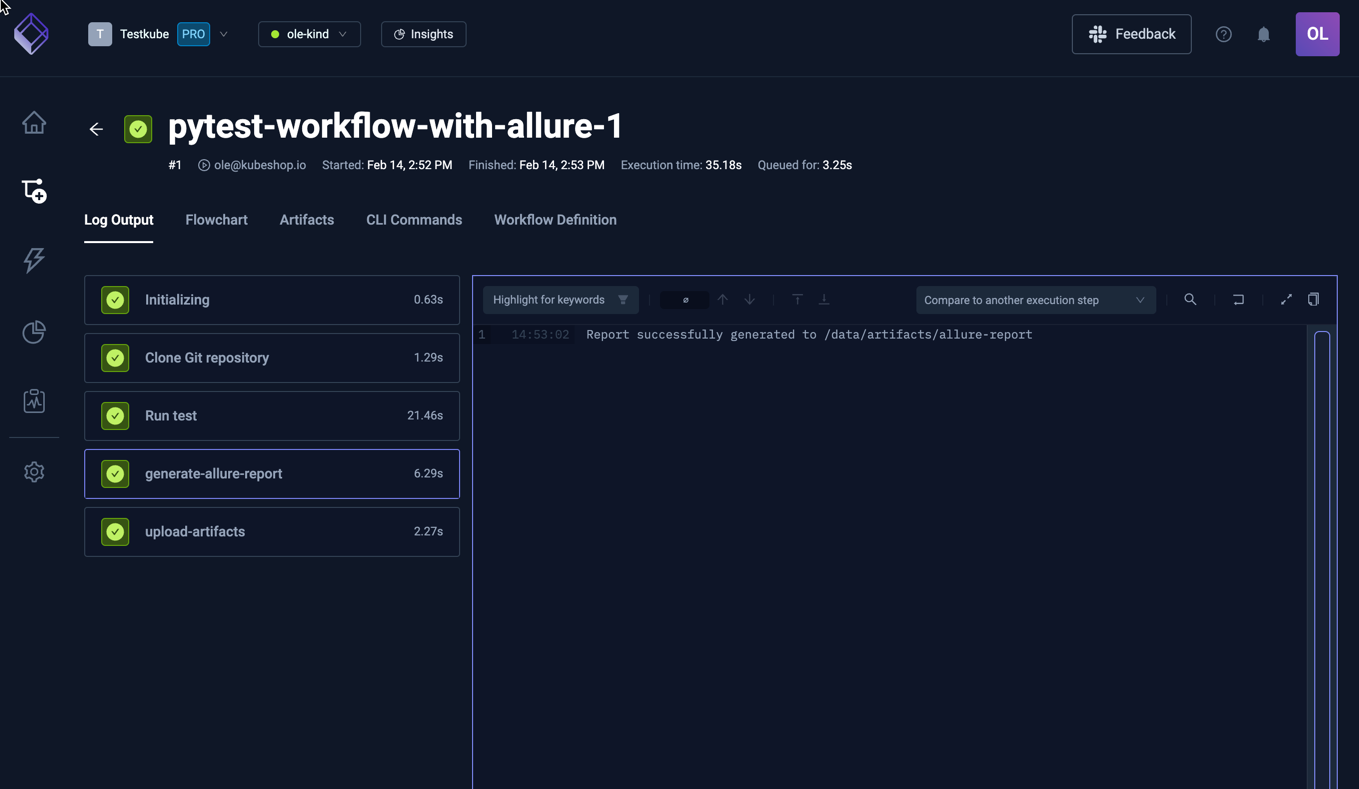
Running this Workflow results in the following Log Output:
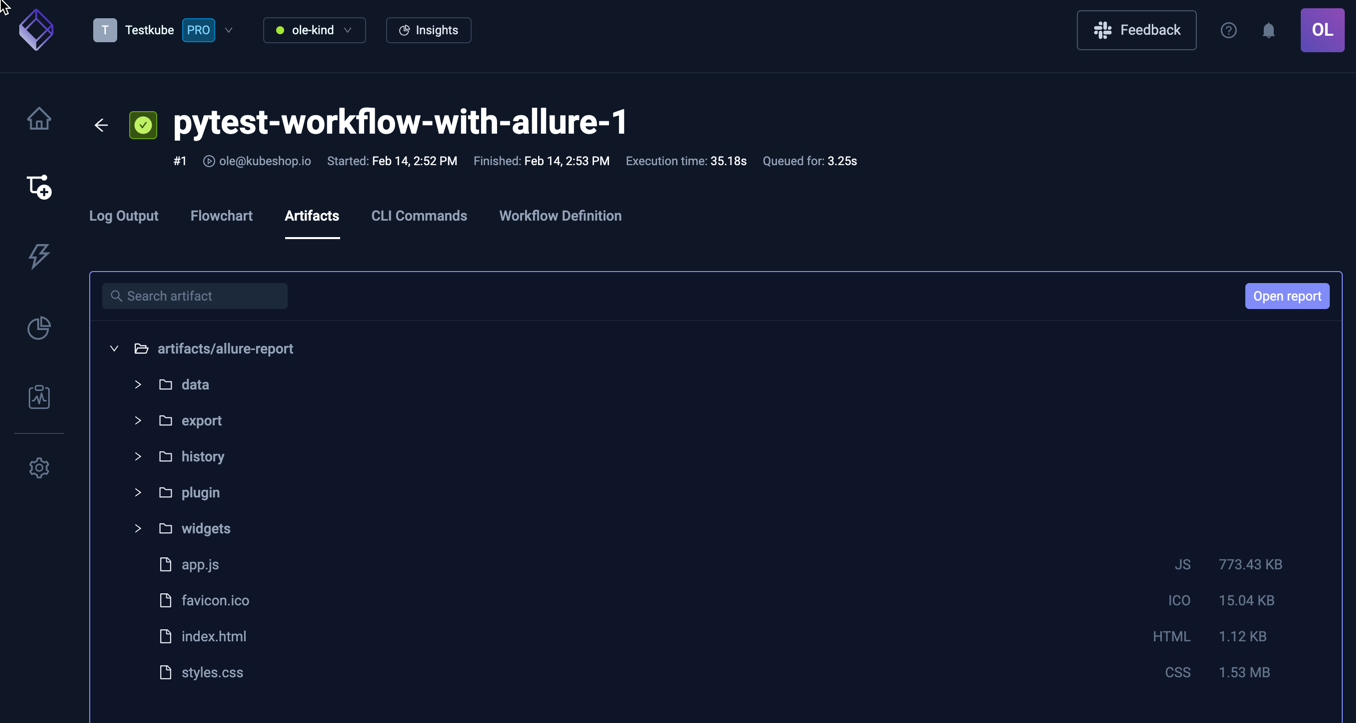
Selecting the Artifacts tab shows the uploaded Allure report files:
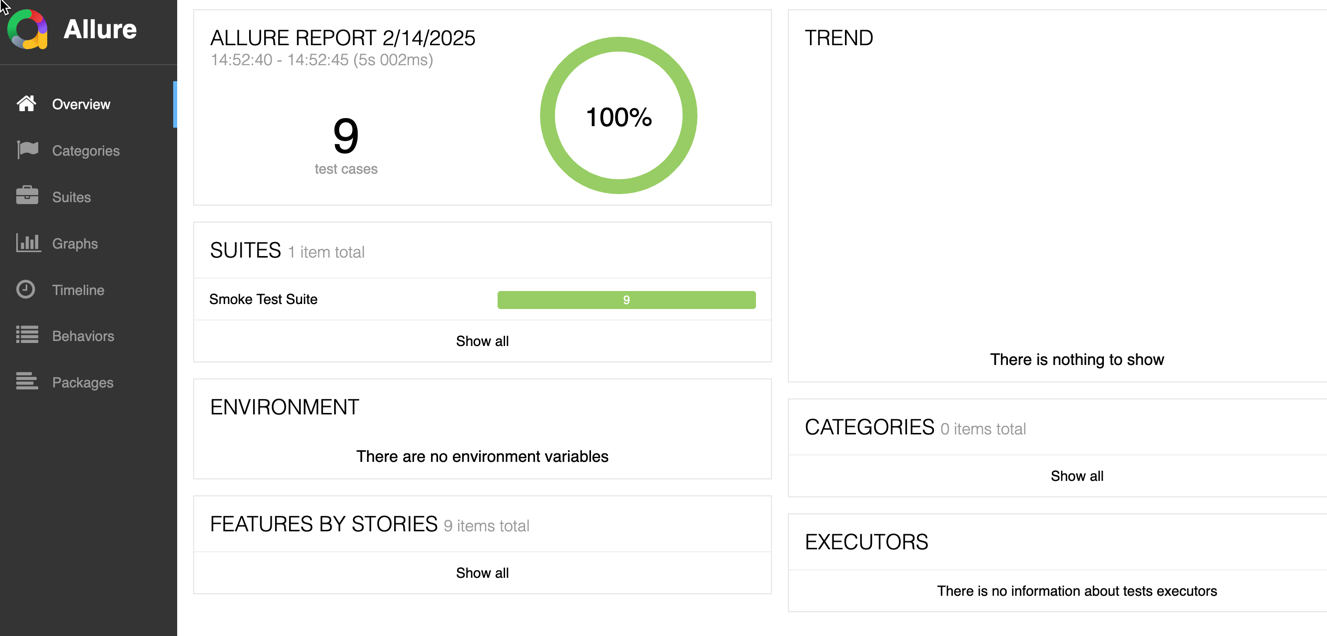
And selecting the "Open Report" button (or the index.html file in the listing) opens the report: