Kubernetes Triggers
The Testkube Dashboard allows you to create and manage the Kubernetes Triggers available in your Environments.
Check out the Kubernetes Event Triggers document to learn how Event Triggers work in Testkube.
Triggers are defined under an Environment and are managed from the "Kubernetes Triggers" tab in the Integrations panel:
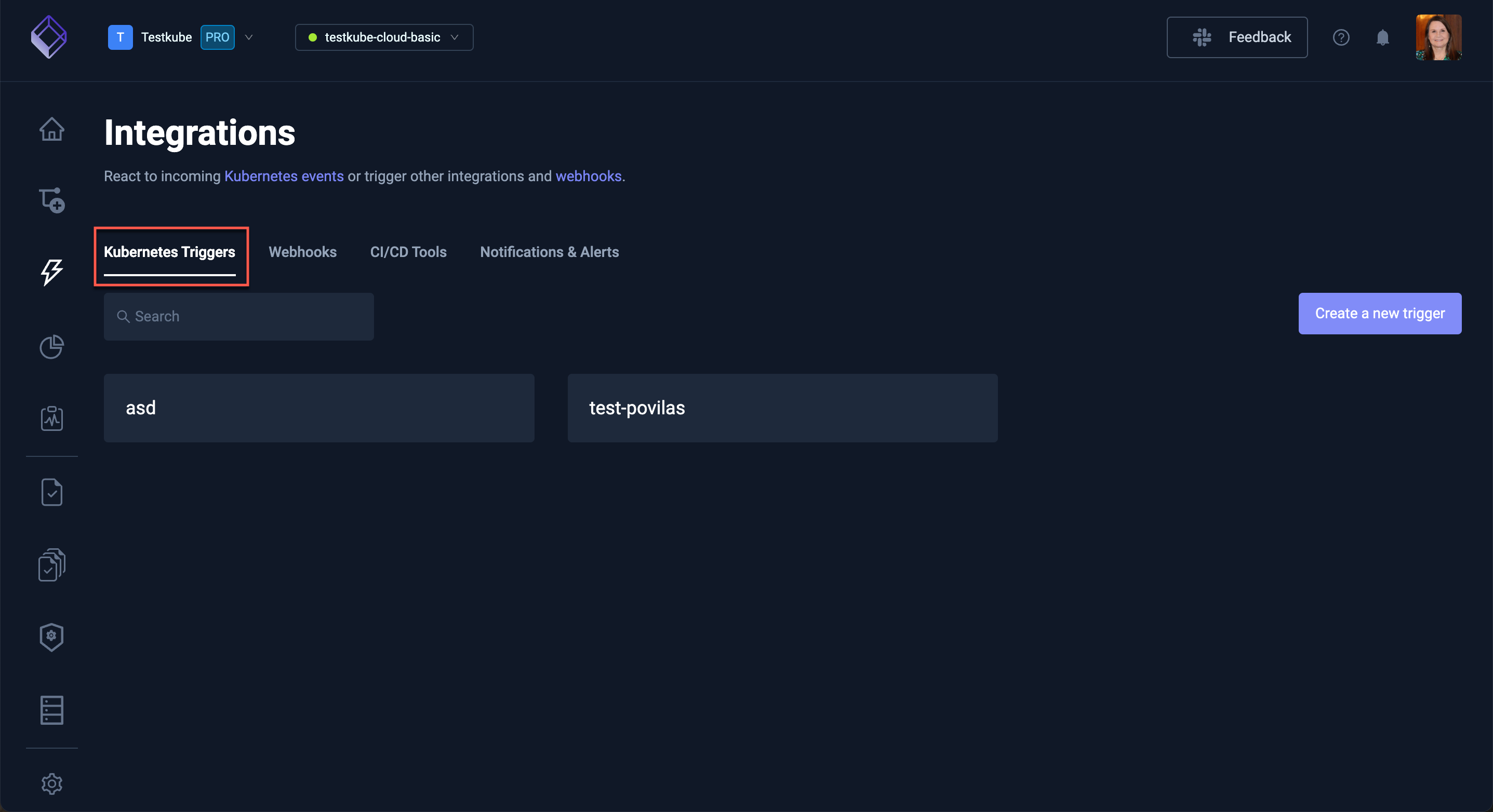
You will see the list of currently available triggers. Select one of these to review, update or delete.
Creating a New Trigger
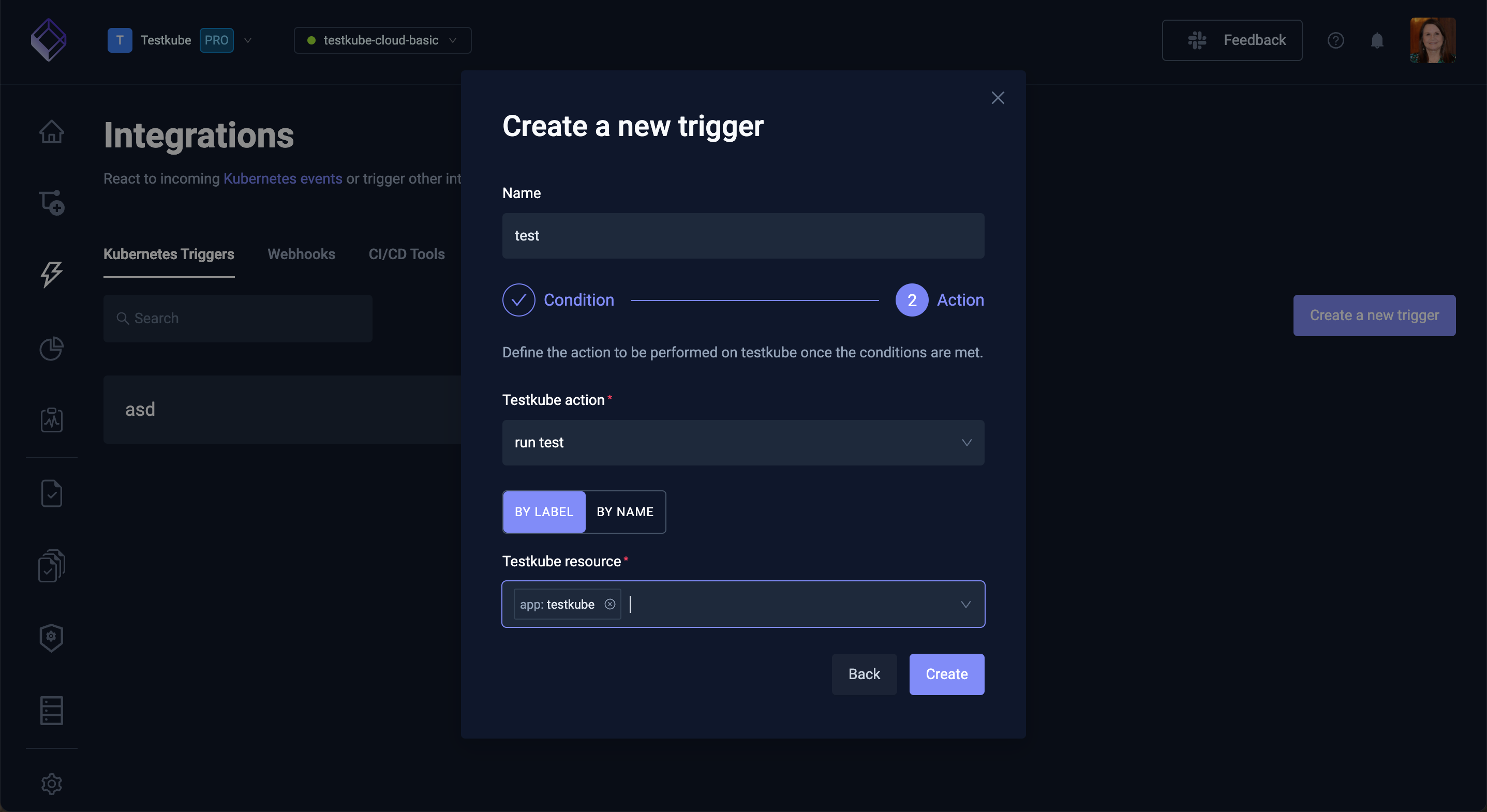
Select the Create a new trigger button to create a new Kubernetes Trigger:
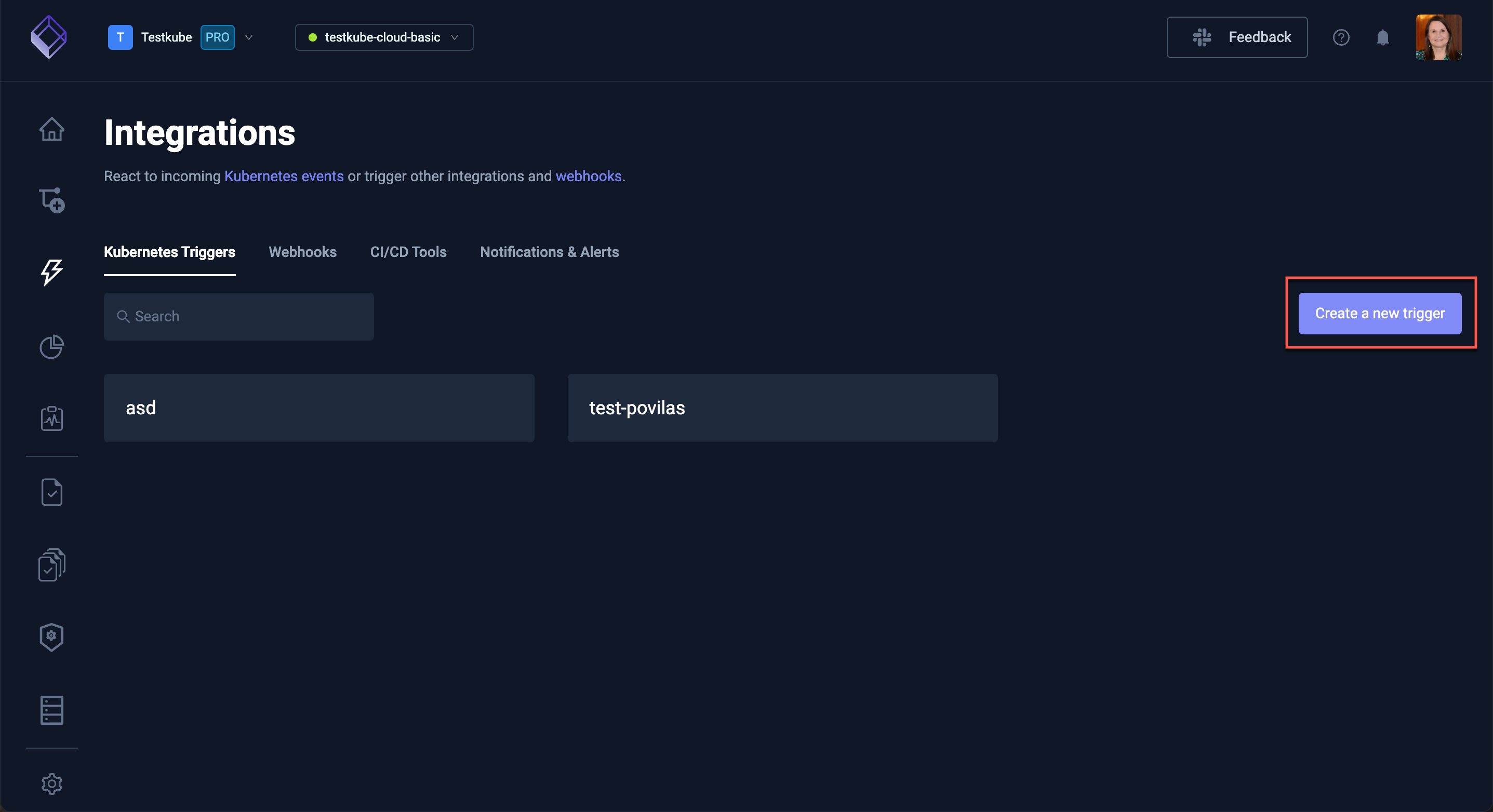
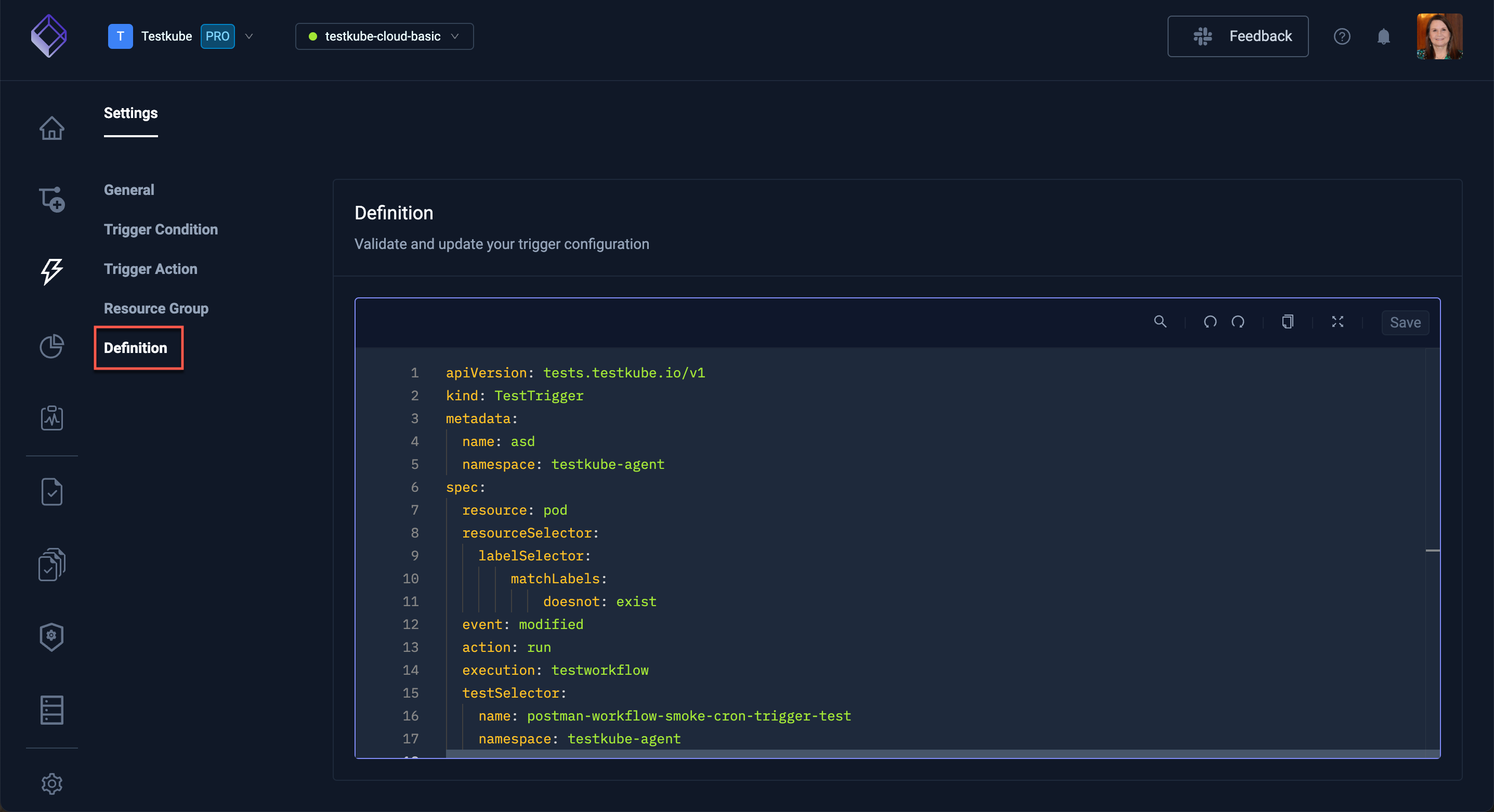
The wizard to create a Trigger only exposes basic Trigger configurations, for more advanced condition and action configuration you can modify the generated YAML directly in the Definition tab for your Trigger.
New Trigger Condition
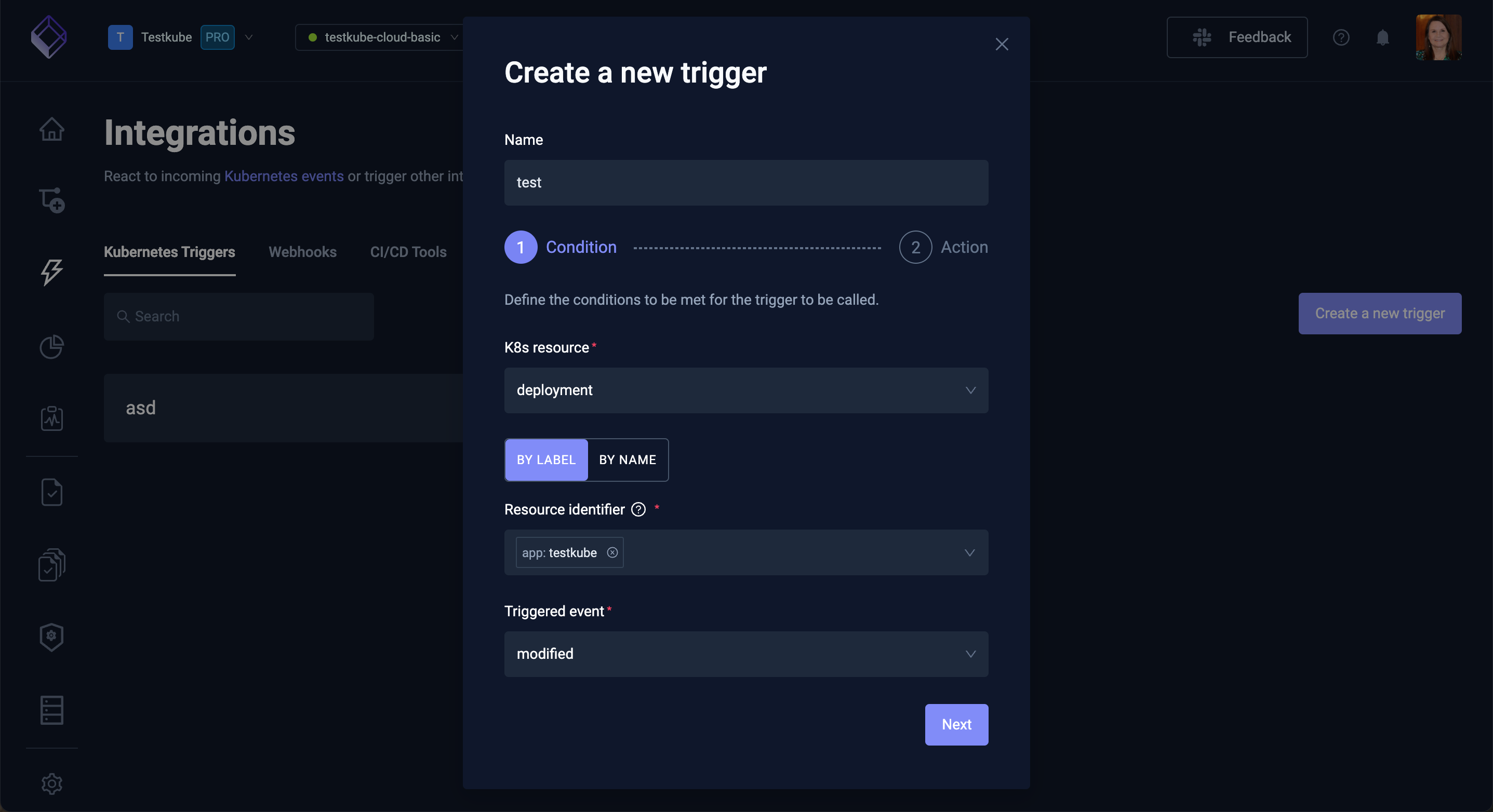
You will initially be prompted for
- the Name of the Trigger - must be a valid Kubernetes resource name.
- the K8s Resource kind to monitor for events.
- the Resources Identifier for which resources to monitor, can either be a list of Kubernetes Labels or a specific resource name.
- the Triggered events to listen for. Pick a single event, or several to fire the trigger when any of them happens.
New Trigger Action
Once the condition has been specified, you need to specify what action to take when the trigger occurs:
- select the Testkube action to perform.
- select the target Testkube Resource for the action, either by Labels or by Name.
Trigger Settings
Selecting a Trigger from the list of Triggers shows its Settings.
As with the wizard above to create a Trigger, the Settings tab only exposes basic Trigger configurations, for more advanced condition and action configuration you can modify the generated YAML directly in the Definition tab for your Trigger.
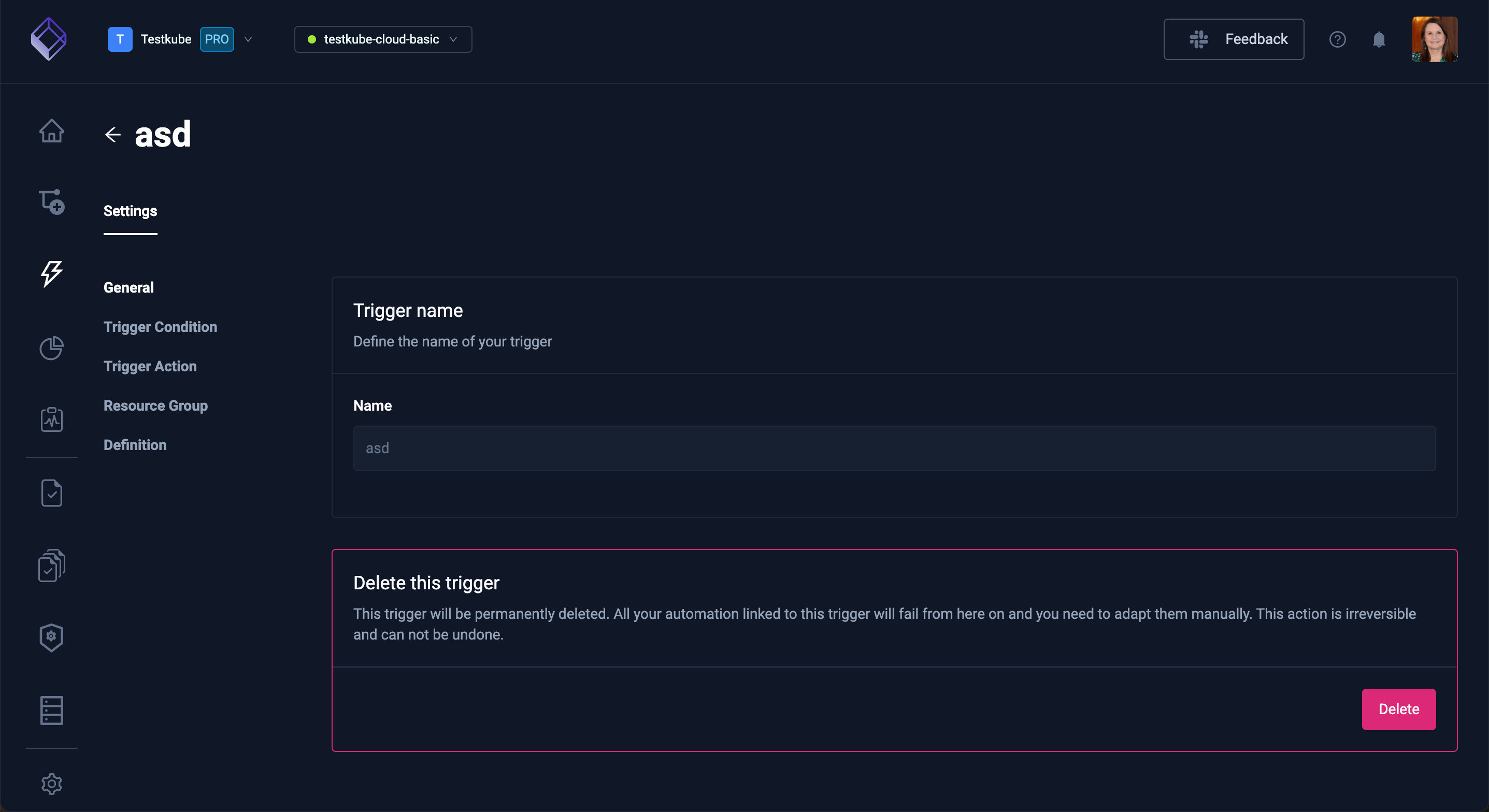
General
The General tab allows you to modify the name of the Trigger and delete it if needed.
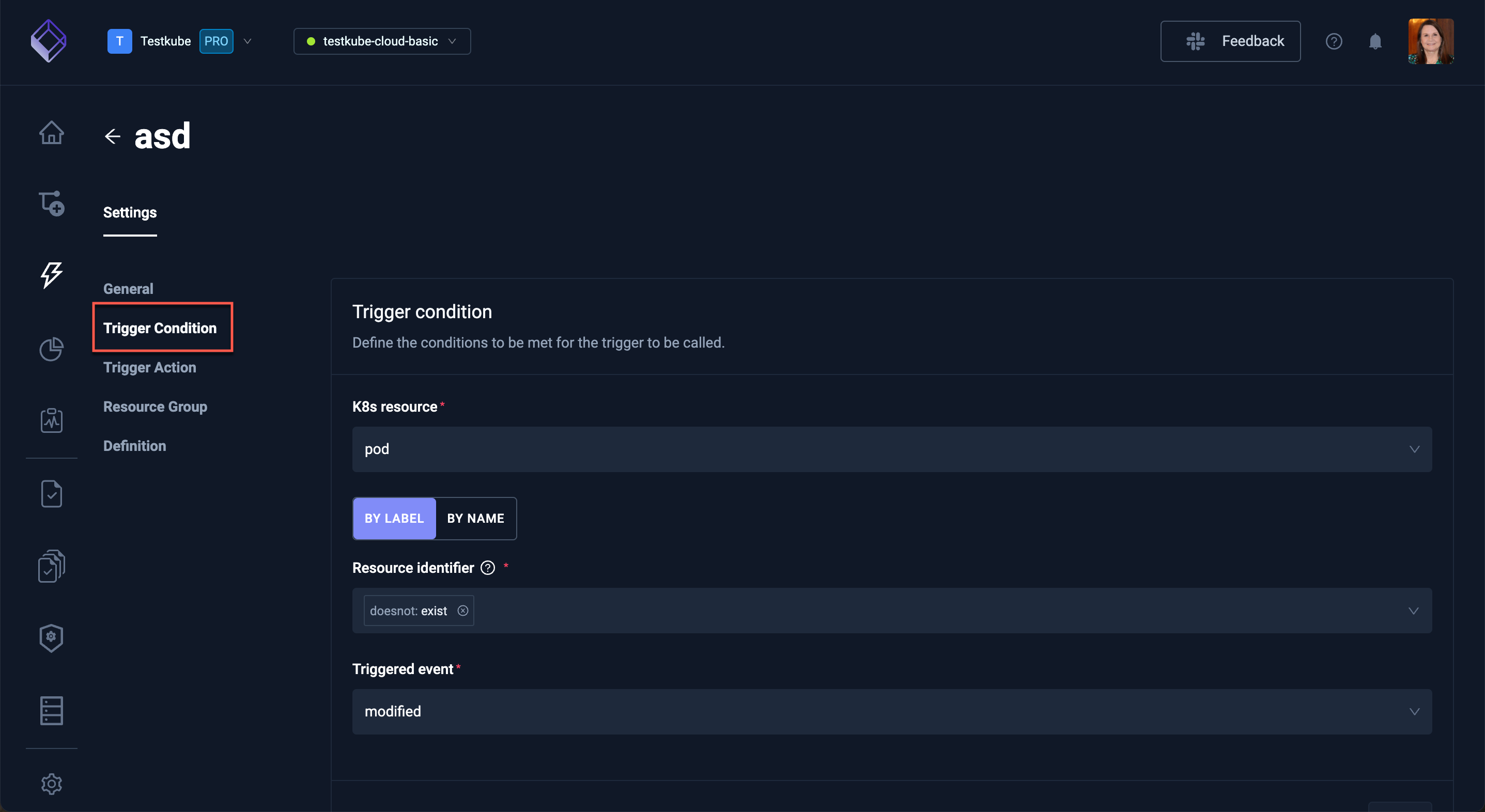
Trigger Condition
Trigger Condition allows you to configure the conditions to be met for the current trigger to be called.
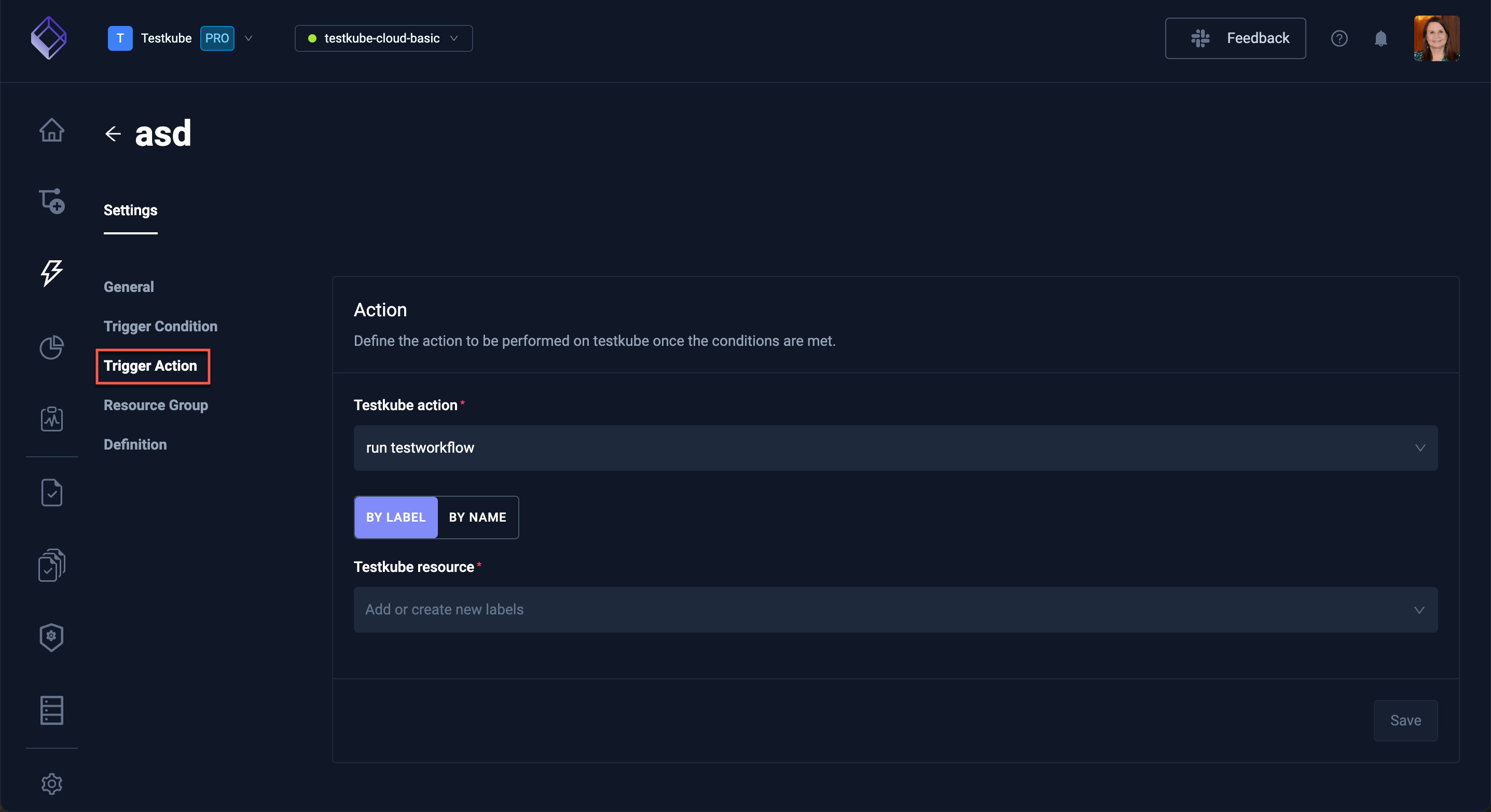
Trigger Action
Trigger Action allows you to configure the action to be performed in Testkube once the conditions are met.
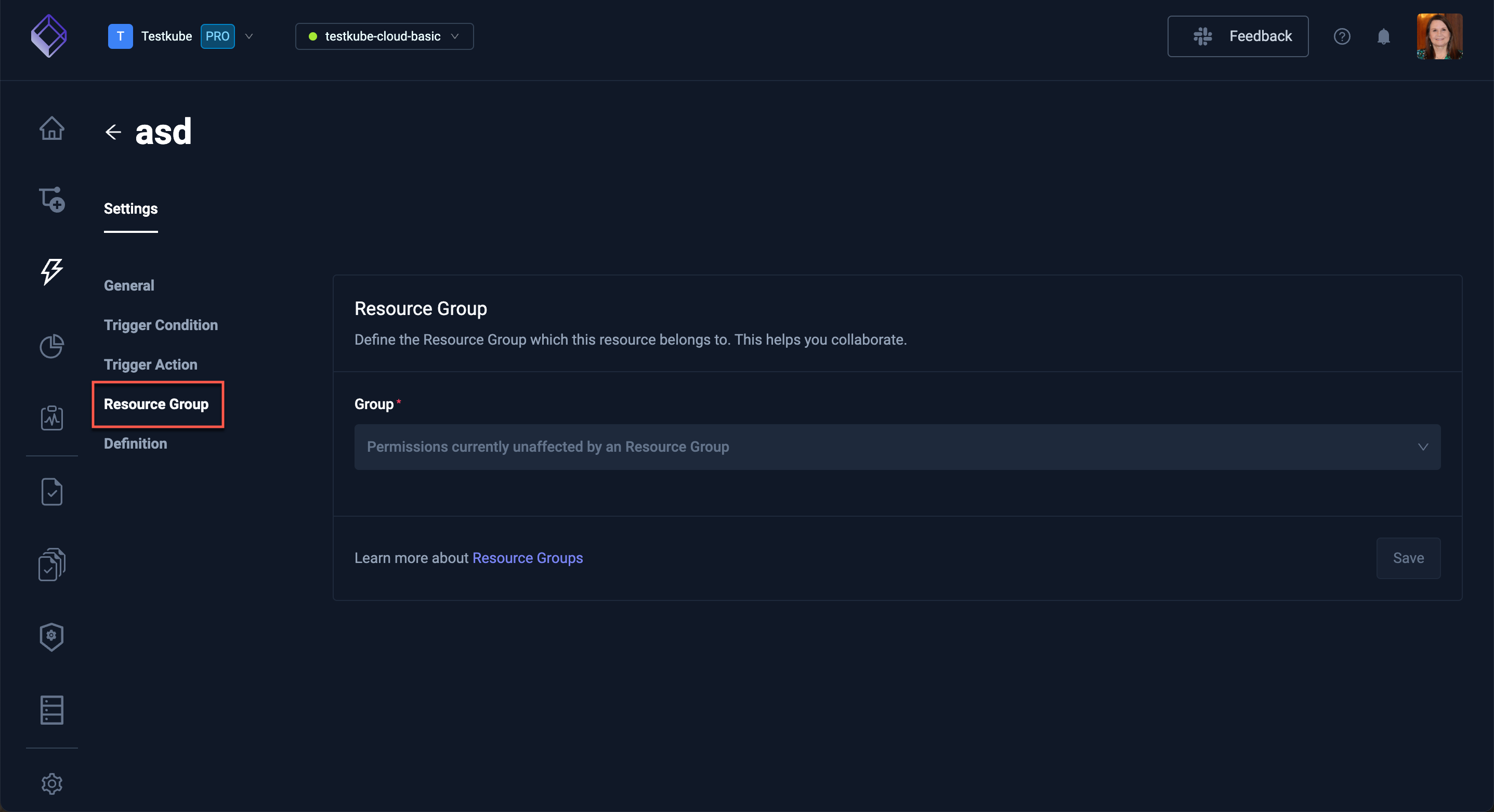
Resource Group
Resource Group defines the Resource Group this Trigger belongs to - Read More about Resource Groups
Definition
Definition shows the underlying YAML for your Trigger, allowing you to manually configure your Trigger vs using the previous tabs.